All paid exapeak software is sold the same way. Please read this page to the end before you buy.
Try the free version first, confirm it works the way you need, then buy.
Download the installer from the product page. The free version lets you check the features first.
Make sure it works as intended on the computer and devices (printers etc.) you will actually use.
Use the buy button on the product page to go to the store and pay.
Copy the activation code from the app's license screen and send it to exapeak@naver.com along with the orderer's name.
We send the license to the email you used. Paste it into the app or open it as a file, and you're done.
Licenses are usually sent within 1–2 business hours and at most within 24 hours. Store order notifications sometimes arrive late; if you haven't heard from us, please let us know via Smart Store TalkTalk.
Please check this before buying. It applies to every paid product.
A license works only on the one computer that sent the activation code. To use more computers, buy one license per computer.
An issued license cannot be transferred to another computer and will not be reissued. This also applies when you replace the computer, or when it is recognized as a different computer after a breakdown, end of life or a major part replacement. In that case, please buy a new license.
If you uninstall and reinstall the program, or reinstall Windows, on the same computer, you can register the license you received again. Keep your license file (or email) somewhere safe.
Licenses have no expiry. Updates to the same product are included at no extra cost.
Offering license transfers or reissues would add the cost of verifying and managing those requests to the price of every product. exapeak sells under the current policy so that we can leave that cost out and offer our products at a lower price. It is also why we ask you to try the free version thoroughly before buying.
Because of the nature of software licenses, refunds are not possible once the license has been sent. That is why we ask you to try the free version thoroughly before buying. You can cancel your order before you receive the license.
Open the license (or registration) screen in the app; there is a button to copy the activation code. Paste the copied text into the body of your email.
No. A license works only on the computer it was first registered on. To use it on a new computer, please buy a new license.
If it is the same computer, simply register the license you received again. If you have lost it, contact us with the orderer's name.
Buy as many licenses as you have computers and send an activation code from each one. If your company needs several, feel free to ask us first.
It depends on the product. Please see the "Free vs. licensed" section on each product page.
Offering license transfers or reissues would add the cost of verifying and managing those requests to the price of every product. exapeak sells under the current policy so that we can leave that cost out and offer our products at a lower price. It is also why we ask you to try the free version thoroughly before buying.
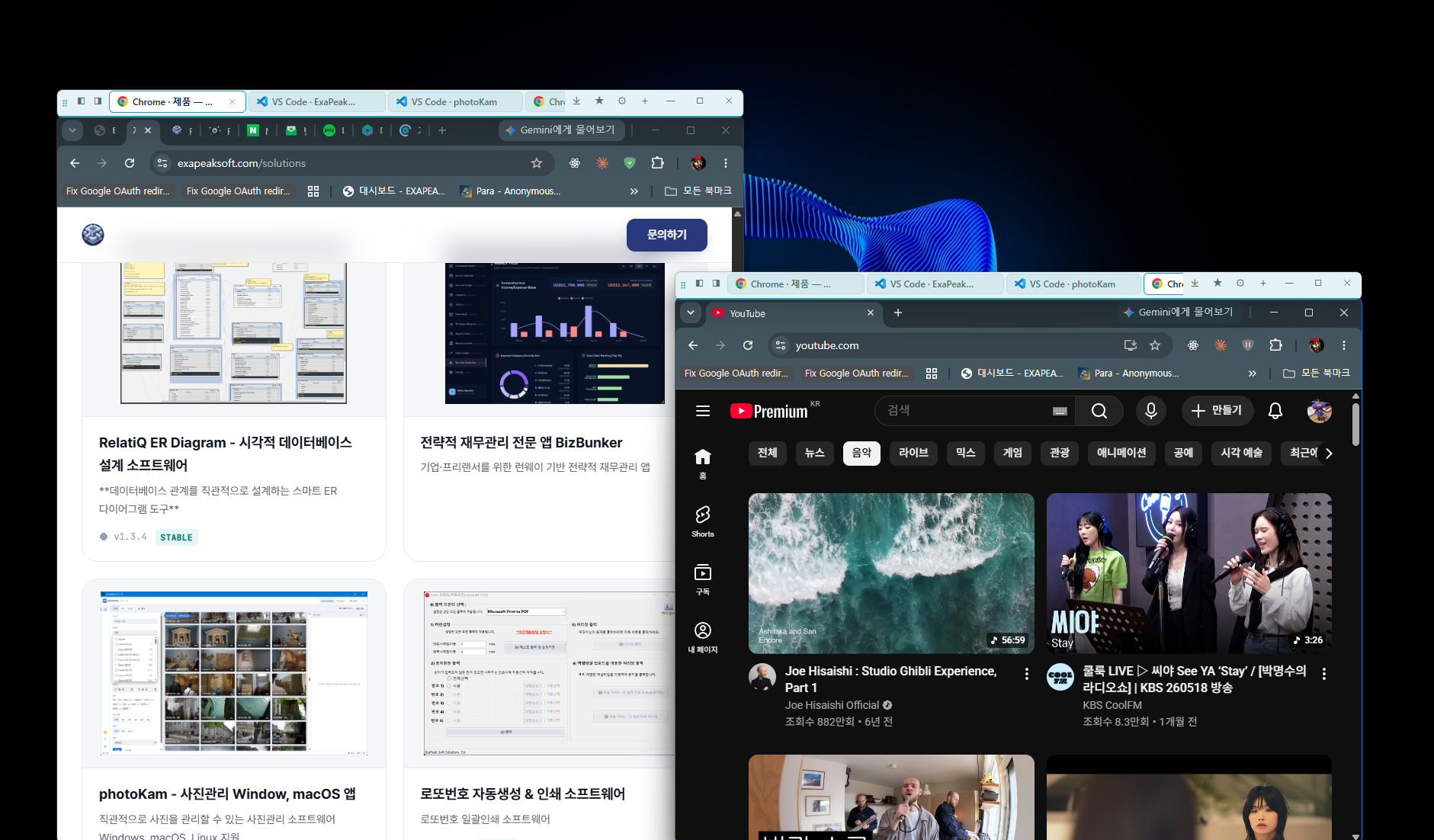
All of the products below follow the process and policy on this page.
If you are unsure whether it will work in your setup, ask us first.
Contact us →