
One Admin Account Can Compromise Your Entire Company

One Admin Account Can Compromise Your Entire Company
"We're too small to be a hacking target, aren't we?"
It's a common assumption — but the reality tells a very different story. Security incidents aren't exclusive to large enterprises. In fact, small and mid-sized businesses with weaker security practices are often the easiest targets. And it all starts in a surprisingly simple place: a single admin account.
Why Are Admin Accounts Especially Dangerous?
If a regular employee's account is compromised, only that employee's data is at risk. An admin account is a different matter entirely. It can access all system data, modify user permissions, and change critical settings at will. Think of it as the master key to your entire office building. If that key falls into the wrong hands, the whole company is exposed.
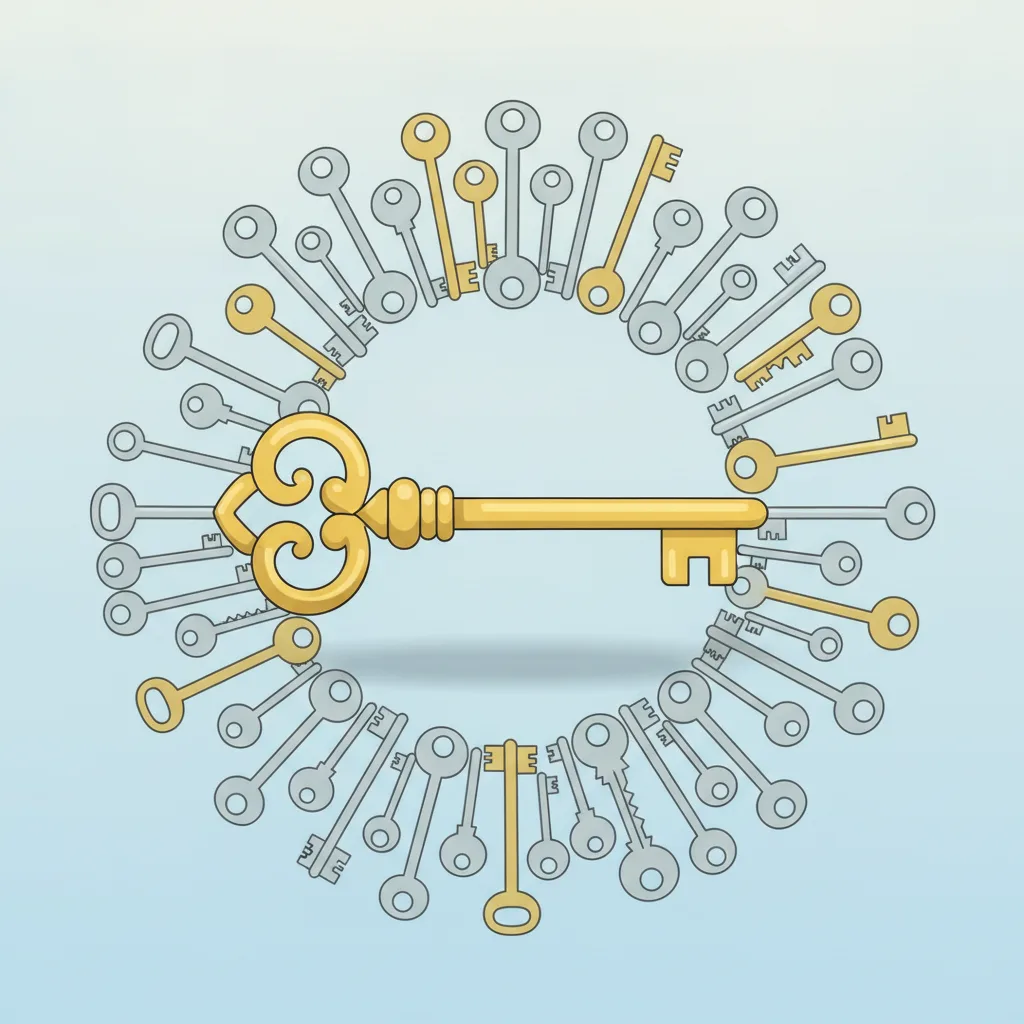
"Sharing Is Just Easier" — The Trap of Shared Accounts
In small teams, it's tempting to decide: "Let's just create one admin account and share it." It seems convenient at first. But this is where serious problems begin.
If someone accidentally deletes data, there's no way to know who did it — because everyone was using the same account. Worse, the more people who know the credentials, the more likely that password ends up shared over a messaging app, scribbled in a notes file, or stuck on a Post-it.
One person's carelessness can bring down everyone's security.
Are Former Employees' Accounts Still Active?
Fewer companies than you'd expect immediately deactivate system accounts when someone leaves. In the rush of day-to-day work, it gets forgotten — or there's a casual assumption that "an ex-employee wouldn't actually log back in."
But incidents where former employees accessed systems to leak customer data or delete records happen regularly, both domestically and abroad. Even if someone left on good terms, their account must be deactivated or deleted promptly.
Grant Only the Access Each Role Actually Needs
One of the foundational principles of security is the principle of least privilege. In plain terms:
A sales team member needs access to customer contact details — but has no business viewing financial data.
A developer needs to deploy code — but doesn't need direct access to customer personal information.
Assigning permissions according to each person's role is called access separation. This way, even if one account is compromised, the blast radius stays contained. Giving everyone full access is convenient — but from a security standpoint, it's a serious liability.
"Who Did What, and When" — The Power of Logs
Recording what actions administrators perform on a system is called an access log. These records are critical for identifying the root cause when something goes wrong.
For example, if customer data is leaked externally, logs let you trace "which account downloaded what data, and when." Without logs, even identifying the cause of an incident becomes nearly impossible. Logs aren't just a paper trail — they're your company's black box.

Passwords Alone Aren't Enough — 2FA and Access Restrictions
No matter how complex a password is, once it's leaked, that's all it takes. That's why admin accounts should always have two-factor authentication (2FA) enabled. Even if someone knows the password, they can't log in without the verification code sent to a phone.
On top of that, restricting admin account access to your internal company network via IP allowlisting is highly effective. Even if an attacker has the correct credentials, they simply cannot connect from outside.
Security Needs to Be Designed In From the Start
"Can't we just build it first and add security later?"
That thinking is the most dangerous of all. When permission structures aren't properly designed from the outset, fixing them later costs several times more in time and money. On top of that, with features already built on top of a flawed architecture, it becomes extremely difficult to correct properly.
From day one of development, it's far safer and more cost-effective to plan who can access which features and how admin actions will be logged.
Do a Quick Check Right Now
Security doesn't have to be complicated. Just verify these three things today.
Are any admin accounts being shared? → Separate them into individual accounts.
Are former employees' accounts still active? → Deactivate them right now.
Is two-factor authentication enabled on your admin accounts? → If not, set it up today.
A small check like this can dramatically raise your company's overall security posture. ExaPeak Software Solutions considers permission design and security from the very beginning of system development. If you have concerns about your security, reach out for a consultation anytime.
